
Choosing a new computer can feel overwhelming with the endless options available today, whether you are a student heading back to school, a professional setting up a home office, or a business owner looking to outfit your entire team. Making the right choice is crucial for your productivity and long-term satisfaction, and a great device should feel like an investment in your success rather than a daily source of frustration. This guide will walk you through the key considerations to help you pick the perfect machine for your unique needs.
The Most Important Question. What Will You Use It For?
Before you even look at specs, the single most important question you must ask yourself is what you will primarily use your computer for, because your daily workflow should drive every other decision you make.
This prevents two expensive mistakes: overspending on features you will never use and underspending on components that actually affect your daily experience. Be honest about your needs based on what you actually do every day. For students and general users whose day consists of research, writing papers, online classes, streaming shows, and web browsing, a mid-range device with a strong balance of performance and battery life will serve you perfectly.
Office workers and business professionals focused on email, video conferencing, spreadsheets, and document editing will benefit most from a reliable, secure, and durable machine that excels at smooth multitasking rather than raw processing power. However, if you are a creative professional or gamer working with video editing, 3D modeling, CAD, or modern games, you will need a high-performance system with a powerful processor, ample RAM, and a dedicated graphics card to handle those intensive workloads.

This is one of the most significant decisions you will make, and it comes down to whether you prioritize portability or raw performance. Modern laptops have significantly closed the performance gap with desktops, and their biggest advantage is unmatched flexibility; the freedom to work from a desk, a coffee shop, a library, or while traveling is invaluable for today's dynamic lifestyles.
For the vast majority of users, a laptop now offers more than enough power for daily tasks and even demanding workloads, handling coding, photo editing, and even gaming without breaking a sweat. Additionally, with a good USB-C dock, you can connect your laptop to a full monitor, keyboard, and mouse setup, turning it into a powerful workstation with a single cable, a fantastic space-saving solution for home offices. Laptops also provide a built-in power backup; if you experience a power outage, your battery gives you hours of continued work, whereas a desktop shuts down immediately unless connected to a UPS. On the other hand, desktops still hold the crown for maximum performance and value, supporting full-size CPUs and GPUs with higher thermal and power limits, which gives you superior performance for high-end tasks like 4K video rendering or intense gaming. For the same price, a desktop will typically offer more powerful components than a laptop, and its upgradability, allowing you to easily swap out individual parts like the GPU, RAM, and storage over time, can significantly extend the lifespan of your machine.
Decoding the Specs. The Core Components.
Once you have decided between a laptop and a desktop, it is time to look at the hardware, and don't be intimidated by the jargon because it is simpler than it seems. The processor, or CPU, is the brain of your computer, determining how fast it can handle tasks. An Intel Core i5 or AMD Ryzen 5 represents the "sweet spot" for most users, offering excellent performance for everyday productivity, multitasking, and even moderate gaming, making an Intel Core i5 a great choice for a business laptop. For professionals and power users who need maximum performance for video editing, 3D rendering, or heavy data analysis, an Intel Core i7 or i9, or an AMD Ryzen 7 or 9, is the better path.
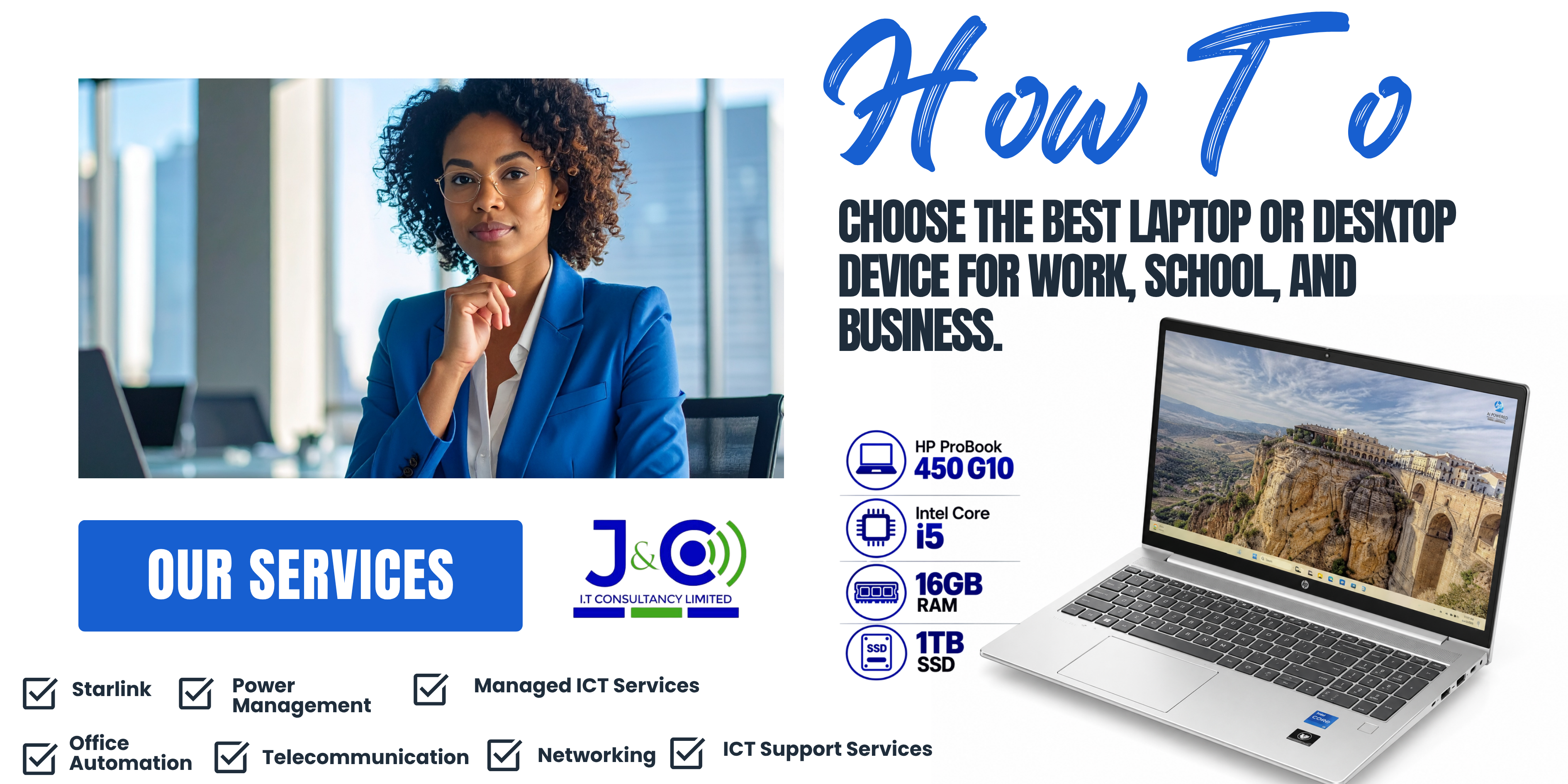
Memory, or RAM, is your computer's short-term memory, and more RAM allows you to run more applications simultaneously without slowdowns. While 8GB is a good starting point for students and basic office work, 16GB is the recommended standard for most professionals and business users who want smooth multitasking, comfortably running multiple applications and browser tabs, the HP ProBook 450 G10 configured with 16GB RAM is a perfect example of this ideal balance. For high-end gaming, professional video editing, and virtual machine use, 32GB or more becomes necessary.
Storage is equally critical: an SSD, or solid state drive, is the modern standard because it is significantly faster than older hard drives, leading to much faster boot times, application loading, and file transfers, so you should always choose a PC with an SSD for the best experience, with a 1TB SSD offering ample space for business files and applications. Finally, the graphics card, or GPU, determines visual performance; integrated graphics built into the CPU are perfectly fine for office work, video calls, and web browsing, but a dedicated graphics card from NVIDIA or AMD is essential for gaming, 3D modeling, video editing, and other graphically demanding tasks.
Spotlight on a Business-Ready Choice

The HP ProBook 450 G10 is an excellent example of a well-balanced business laptop that embodies many of the principles discussed in this guide, offering a reliable and secure experience for professionals on the go. It is powered by an Intel Core i5 processor and 16GB RAM, which handles everyday business tasks like email, document editing, web browsing, and video conferencing with effortless ease. Its 1TB SSD provides plenty of fast storage for all your files and applications, and it has undergone MIL-STD 810H testing, a military standard that simulates real-world conditions like drops, dust, and extreme temperatures, ensuring the laptop can withstand the rigors of daily travel. For business users, security features like a fingerprint reader and a Trusted Platform Module (TPM) chip provide secure login and data encryption, which is crucial for protecting sensitive corporate information.
Operating System and Other Key Features
Beyond the core hardware, you should also consider the operating system, choose the ecosystem that fits your workflow, whether that is Windows with its widest software compatibility, macOS favored by creatives and Apple users, or Chrome OS as a budget-friendly option for users who primarily work in a web browser. For laptops, battery life is paramount, so look for a device that offers at least 6 to 8 hours of real-world use and check professional reviews for accurate numbers.
Build quality matters too, strong hinges, a metal chassis that is more durable than plastic, and a comfortable keyboard all contribute to a device that feels like a worthwhile investment. Connectivity is another key factor; ensure the device has the ports you need, such as USB-A, USB-C with Power Delivery, and HDMI, and for business laptops, modern Wi-Fi 6 and Bluetooth 5.0 are highly desirable features that future-proof your purchase. Finally, always check the warranty period and whether spare parts are available locally, as this can save you significant headaches and expenses down the line.
Choosing the right computer is a deeply personal decision that starts with a clear understanding of your primary needs, allowing you to then evaluate the form factor, specifications, and features that will serve you best.
For a student or home user, a versatile all-purpose laptop is ideal; for a business professional, a durable and secure device like the HP ProBook 450 G10 offers the perfect blend of performance and reliability; and for those whose work demands the ultimate performance, a high-powered desktop or workstation remains the champion. By focusing on what you actually do every day and matching those tasks to the right processor, RAM, storage, and graphics, you can avoid costly mistakes and enjoy a seamless computing experience for years to come.
Ready to find your perfect device? Contact us at +260 96 080 5574 or [email protected] for expert advice and great deals on the latest computers.